
JadeSnap: Turn Everyday Photos into Photo Cards, Collages and Photo Books
Create photo cards, collages and photo books with JadeSnap. Add a few words, then save, share or print your everyday memories.

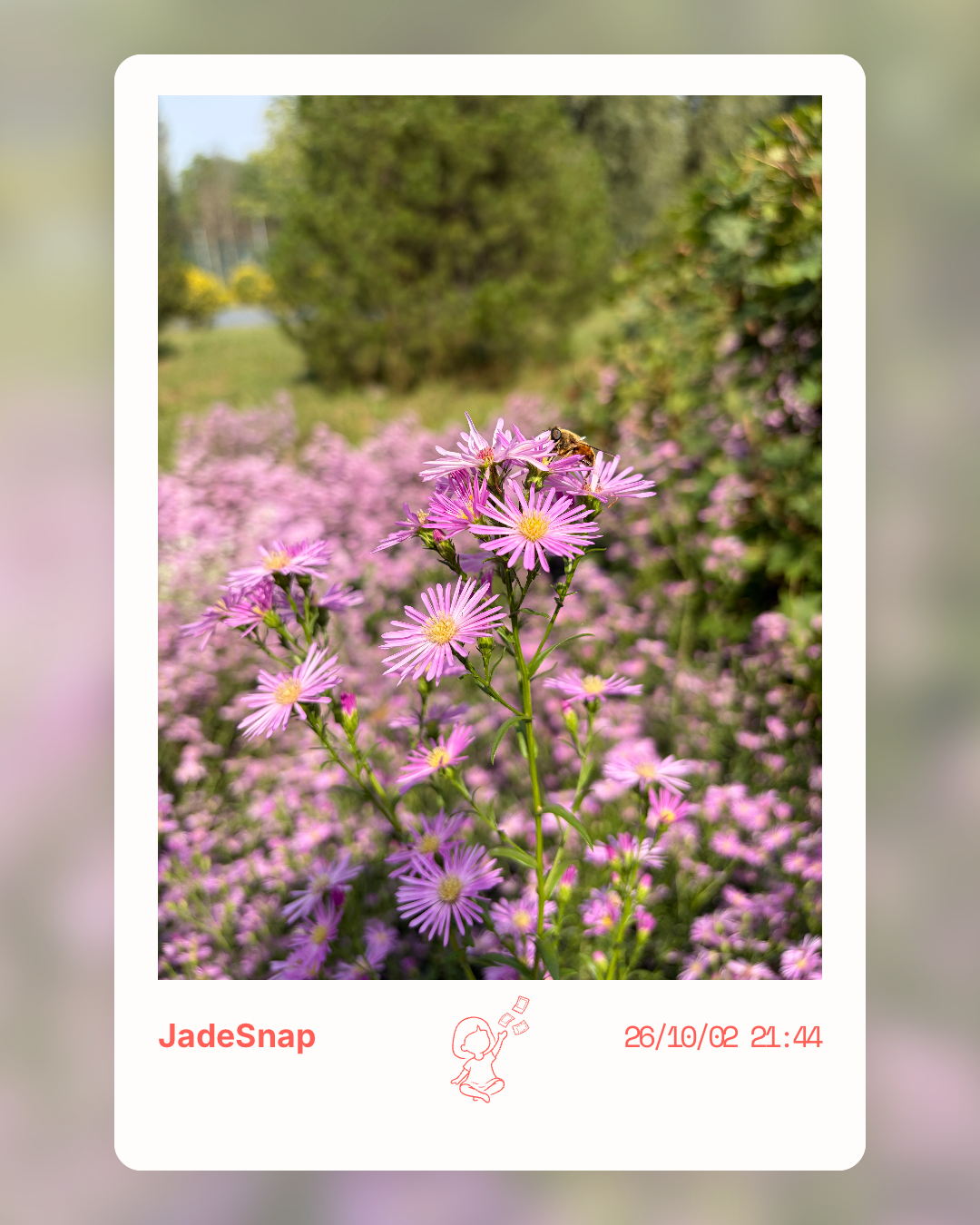
JadeSnap is a photo creation app for iPhone and Android. Create photo cards, collages and photo books, add text, frames, stickers and handwriting, then save, share or export your work for printing.
After a trip, your phone might hold hundreds of new photos. A gathering with friends, a sleepy pet, or a patch of afternoon light can be worth keeping too.
Yet many of those pictures stay in the camera roll and are rarely opened again.
JadeSnap offers a way to bring them back: choose a favorite photo, make it into a photo card, add a few words, and save, share or print it.
Add a little of how the moment felt
Take a new photo or import one from your library. Combine film-inspired looks, frames, text, stickers and handwriting to make it your own.
You do not need a long story. A date or a simple note can help your future self remember the moment.
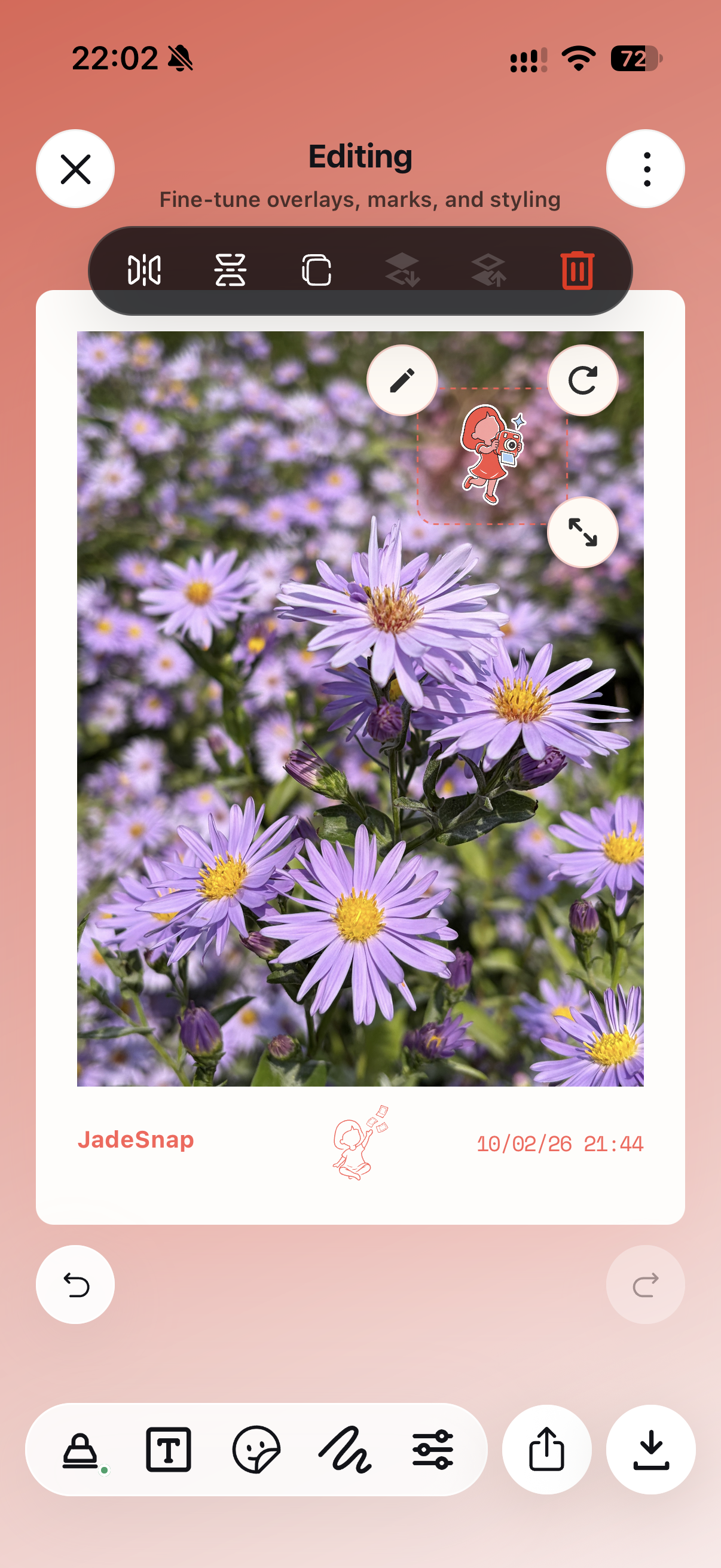 Add text, stickers and handwriting to your photo.
For a quieter result, let the photo fill the frame and leave only a small mark in the corner.
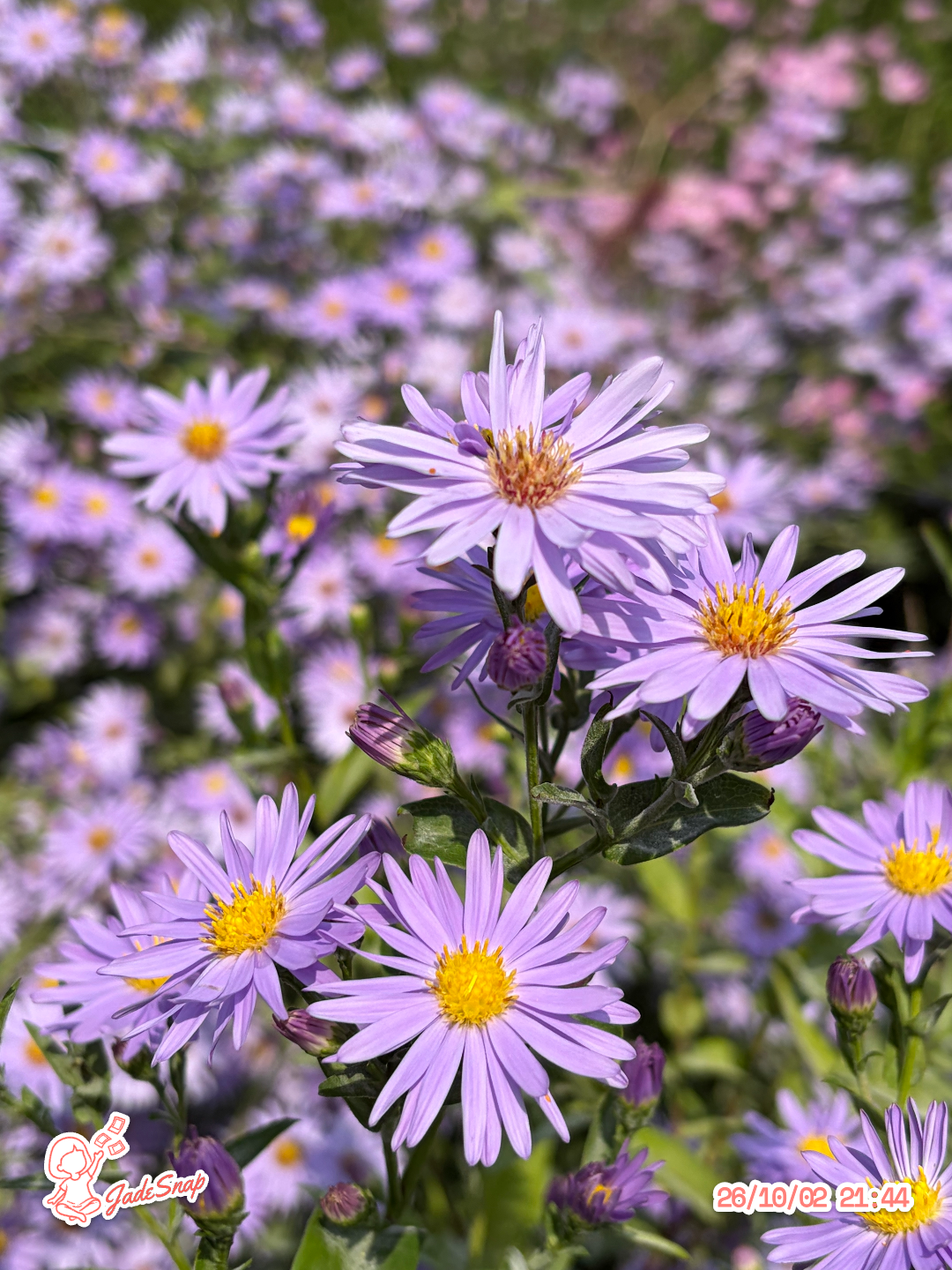 Another way to keep the same everyday moments.
Gather a memory into a photo book
Combine several photos into a collage or photo book: a weekend away, life with a pet, or a gift for a friend. Save or share your finished work, or prepare it for printing.
 Give a collection of memories its own cover.
Start with one photo
No account is required. Photos and edits stay on your device. Basic capture, gallery, single-photo editing, saving and sharing are free.
JadeSnap Pro is an optional one-time purchase for additional features such as multi-photo layouts and printable photo books. Check the app for the current feature list, and export or back up important work.
Pick a photo you have not looked at for a while. You do not need to wait for another trip or a special occasion. An ordinary day is worth keeping too.
Common questions about JadeSnap
Do I need an account?
No account is required. Photos and edits stay on your device. Export or back up important work.
Is JadeSnap free?
Basic capture, gallery, single-photo editing, saving and sharing are free. Additional features such as multi-photo layouts and printable photo books are available through the optional one-time JadeSnap Pro purchase. Check the app for the current feature list.
How do I print a photo card or photo book?
Finish and export your work in the app, then use a suitable printing method. Check paper sizes and output settings before printing. Printing here refers to using the exported work.
Where can I download JadeSnap?
Visit the JadeSnap website or use the App Store and Google Play links below.
Website and downloads: jadesnap.app
Images show JadeSnap creations and actual app screens. Interfaces may vary by version and device; the screenshots here use the Chinese interface.
Get new articles by email. We will send a confirmation email first. Leave categories blank for every post, or choose only what interests you.
Comments (0)
To reduce spam and protect discussion quality, only signed-in members can currently comment or reply.